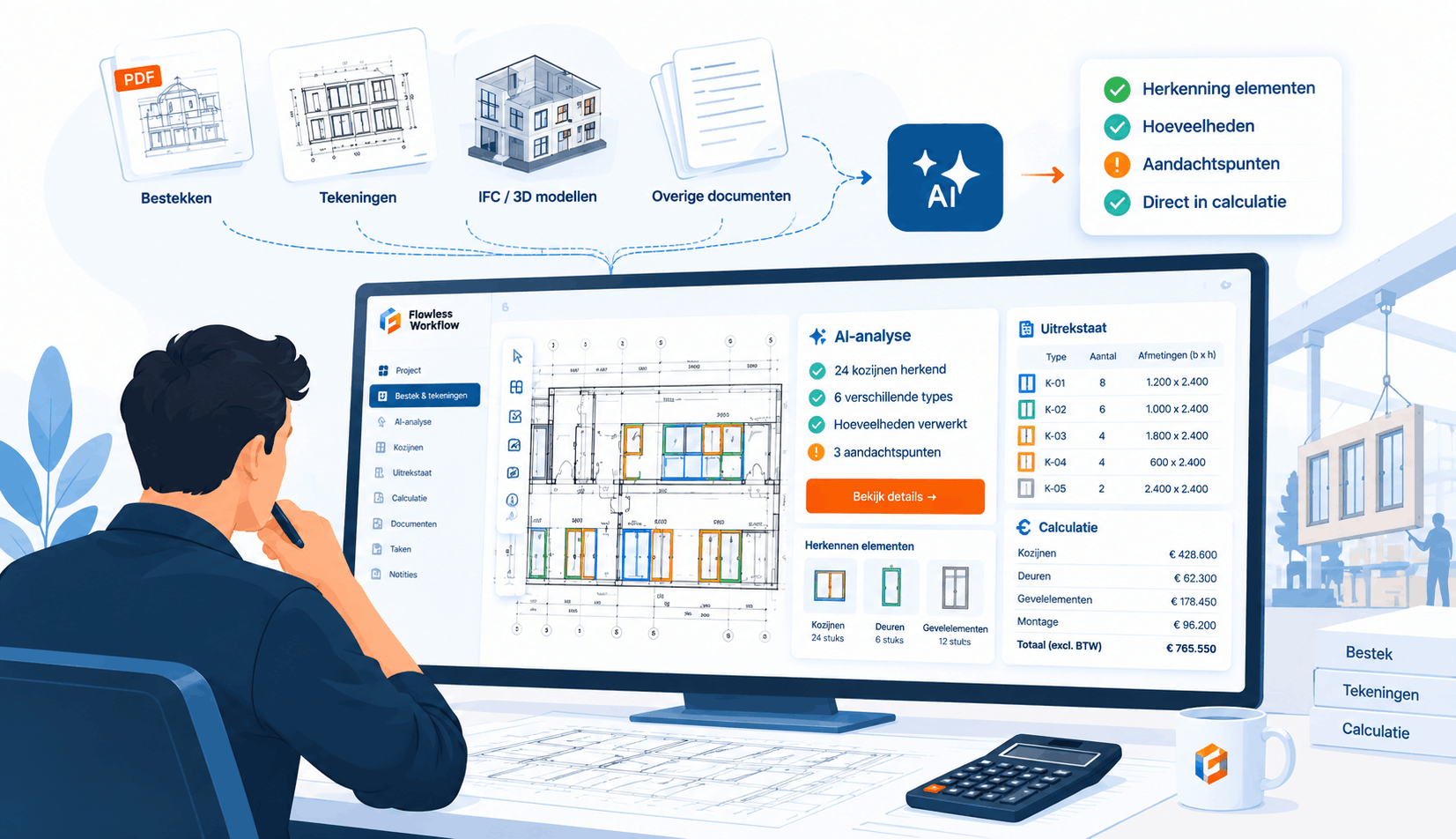
How to prevent document chaos within your organization
In line with the growth of data, the number of documents in organizations is also increasing rapidly: word files, spreadsheets, presentations, images, and more.

Document chaos
At the same time as the growth of data, the number of documents in organizations is also increasing rapidly: word files, spreadsheets, presentations, images, and so on. There are more and more of them, with various consequences. These files are stored in increasingly expanding storage systems. As a result, employees lose a lot of time with the administration of documents. These working hours could be better spent. How can programming help simplify document management? What should be considered when choosing a particular solution?
No one strives for “document chaos” but it still happens. In some organizations, employees spend a few hours a week looking for the right documents. In addition, the locations where documents are stored do not usually “talk” to each other, which makes it difficult for colleagues to work efficiently on daily tasks, causes errors and duplication of work, and leads to wrong decisions. According to research by the IDC called 'The High Cost of Not Finding Information', a company with around a thousand employees still loses between 2 and 3 million euros per year in unnecessary manual work or errors in document flows
Most organizations use multiple systems to store documents, often with the best intentions to work “smarter”. However, it can happen that documents are isolated by department, business unit or even by computer. It takes a lot of time and money to manage the various document locations and keep them safe. That's why you see what you don't want to see happening in almost every organization: it's going to be difficult to navigate the various teams' documents and document structures.
What can a company do to prevent the proliferation of documents?
Solutions are possible for companies where various processes around documents run more efficiently. Document management requirements can vary. There is no single document management formula for all organizations, as application to a specific workflow is necessary. That is why customized programming is necessary to design a document management system. Within such a Document Management System, employees can quickly find, share and modify documents from a central storage point. In addition, the documents can follow a predefined route, so that they automatically move from one department to another. A document management system also increases the findability of documents. Streamlining document flows within a company has a positive impact on the effectiveness of business processes.
In addition, such a customized Document Management System has an additional advantage; the document flow can be linked to other software packages. It often happens that a company uses various other software packages in addition to a document management system. The more packages that are used, the greater the chance that the functionalities of different systems are complementary. It is much easier, faster and more efficient to include the documents resulting from these different software packages into a single workflow.
Let's take the example of a complementary customer relationship management system. The CRM contains regular customer information and a history of previous contacts with the customer in question, such as information from written emails, documents and associated attachments. This background information can be useful throughout the project lifecycle. A custom-programmed Document Management System makes it possible that personnel files from the CRM system can also be included directly in other phases of the project. They automatically go through the desired workflow and notifications can be set up when actions are needed within documents for specific departments at specific milestones. In this way, the workflow is more streamlined and time is avoided.
In summary, a custom-made Document Management System has the following benefits:
- Find documents in seconds
- Automate repetitive work
- Focus on content
- Integrate other software systems
- Stop document chaos
Sign up for our newsletter
Every month, we'll send you one email full of smart insights about data-driven work, AI applications and software choices that really help you.
Related articles
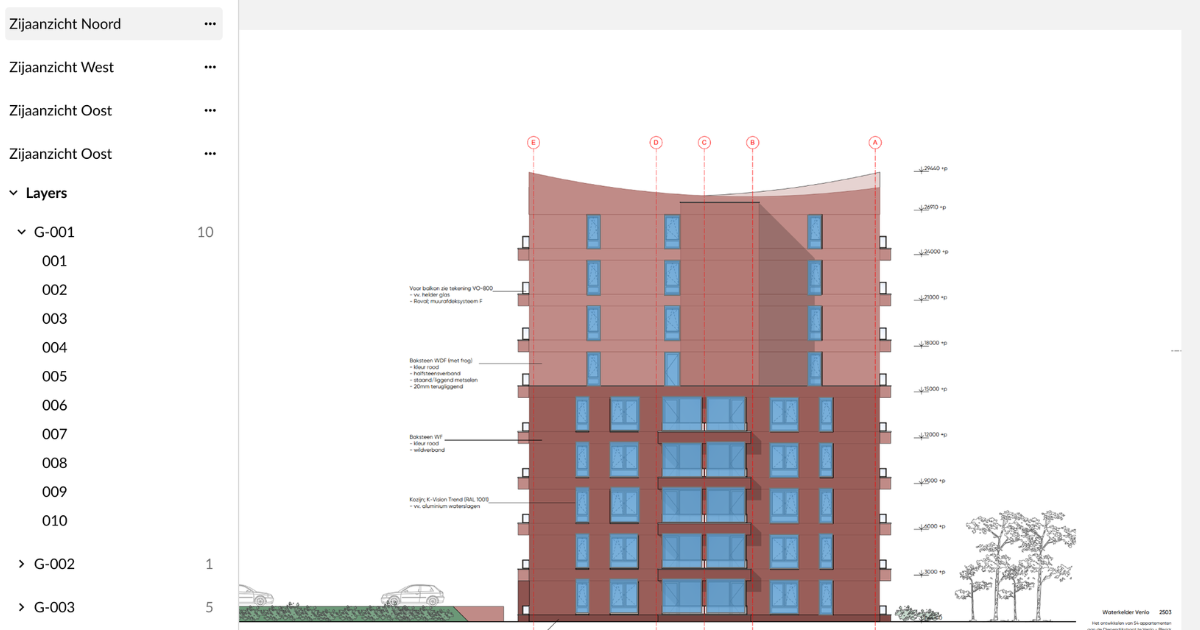
Construction estimation software primarily helps with calculating costs, hours, materials, markups, and margins. AI assists by analyzing project information from various sources simultaneously and providing actionable input for the rest of the estimation process.